



SiriusXM on your Apple devices
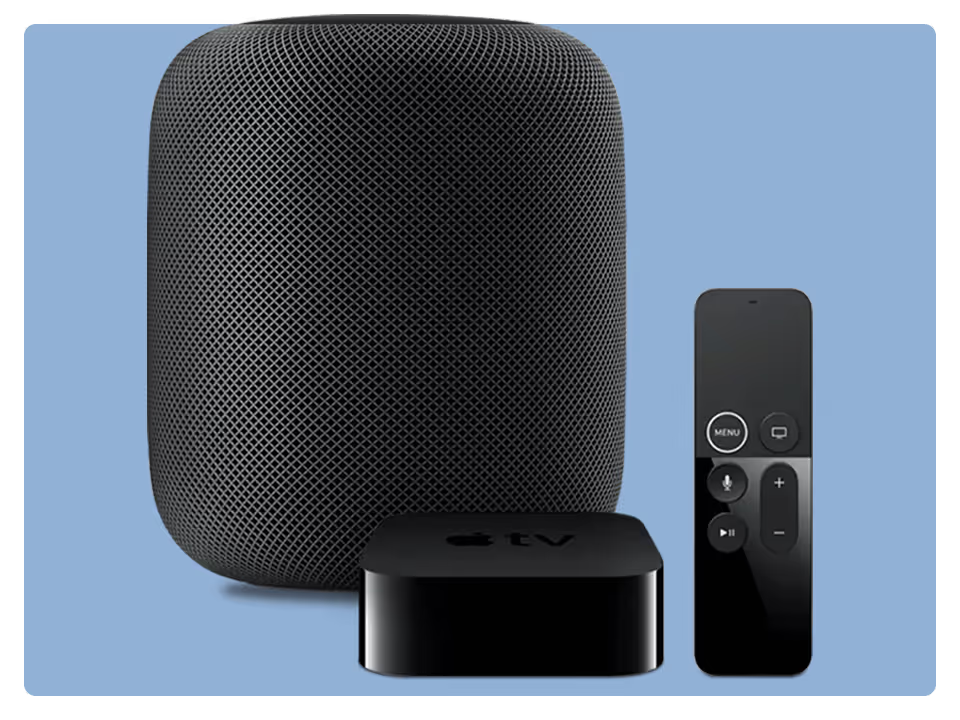

Play SiriusXM audio and video via Apple TV
With Apple TV, subscribers with the SiriusXM app get the full SiriusXM experience—including music for every mood, podcasts, and exclusive in-studio video—right through their TV.
To Play SiriusXM on Apple TV:
- Open the SiriusXM app on a smartphone or tablet connected to the same Wi-Fi network as the Apple TV, and allow authentication.
- Use any web browser to enter the activation code displayed on the TV.
- Use the remote to manually enter your login information.
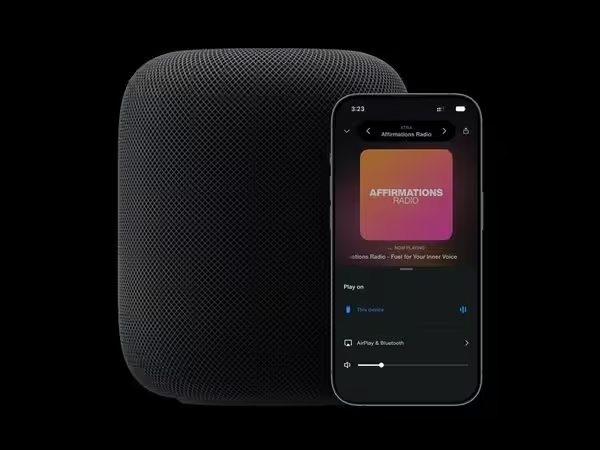
AirPlay SiriusXM from your iPhone or iPad
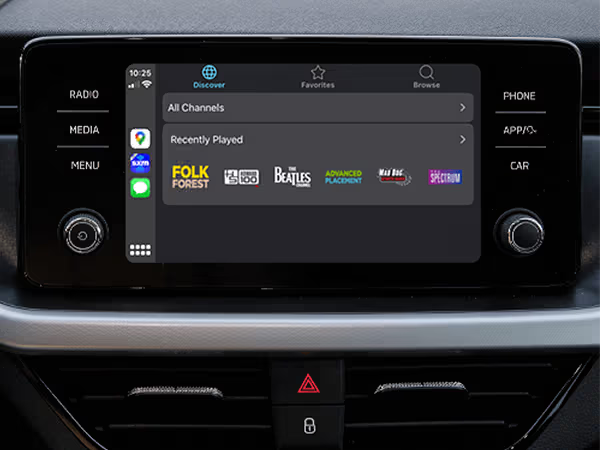
SiriusXM using Apple CarPlay
With Apple CarPlay, listen to SiriusXM on the SiriusXM app and enjoy our mobile in-car experience. Listen to all of the SiriusXM streaming channels included in your subscription, plus all the content in your Library with CarPlay. CarPlay does not connect to the vehicle’s satellite radio. It streams SiriusXM from an iPhone, which requires mobile data or internet service.
To listen to SiriusXM using Apple CarPlay:
- Install the SiriusXM app on your iOS device. You will need a cellular data plan to stream without a Wi-Fi connection.
- Connect your device to your CarPlay-enabled radio. Some radios require a USB connection, and others support wireless CarPlay. Please click here for CarPlay setup and support questions.
- Ensure you are logged into the app on your mobile device, then select SiriusXM from the dashboard interface.
It is possible to listen to SiriusXM satellite radio while also having Apple CarPlay enabled for other applications. Steering wheel controls may be required in order to select the audio source and to change channels, instead of the embedded dashboard screen.
Most SiriusXM subscriptions and in-vehicle trials include streaming
Sign in or set up your credentials to start listening.
Are you looking to experience SiriusXM for the first time?
Enjoy a free trial and hear what we’re all about.
Not what you’re looking for? See other SiriusXM streaming devices
Ready to sign up?
Take a look at these great offers. Channel lineup varies by package.
Music & Entertainment
$6/month
for 12 monthsThen $25.99/mo. Taxes extra. New subscriptions only. See Offer Details below.


- 400+ channels, including 140+ in your vehicle, with more to stream on the SiriusXM app
- Ad-free music across every genre and decade, plus dedicated artist channels
- Original talk, podcasts, exclusive comedy, news from across the globe and Howard Stern
- The biggest names in sports talk
- Exclusive video of in-studio shows and performances
- 400+ channels, including 140+ in your vehicle, with more to stream on the SiriusXM app
- Ad-free music across every genre and decade, plus dedicated artist channels
- Original talk, podcasts, exclusive comedy, news from across the globe
- The biggest names in sports talk
- Exclusive video of in-studio shows and performances
- 400+ channels in your car and streaming on your devices
- Ad-free music across every genre and decade, plus dedicated artist channels
- Original talk, podcasts, exclusive comedy, news from across the globe
- The biggest names in sports talk
- Exclusive video of in-studio shows and performances
All Access (App Only)
3 months free
Then $11.99/mo. Taxes extra. Cancel online anytime. See Offer Details below.
- 425+ channels on the SiriusXM app
- Ad-free music across every genre and decade, plus dedicated artist channels
- Live sports play-by-play for NFL, MLB®, NBA, NHL®, NCAA®, NASCAR®, and PGA TOUR®
- Original talk, exclusive comedy, news from across the globe, and Howard Stern
- Podcasts and binge-worthy series from top creators