Music genres from rock to country and hip-hop to pop. Hits before they hit. Exclusive channels inspired by your favourite artists, styles, and eras—playing right now and on demand, ad free.
Live games—plus the latest insider news, talk, and analysis—from every major sport, including the NFL, MLB®, NBA, and NHL®. College sports, NASCAR, and PGA coverage, too.
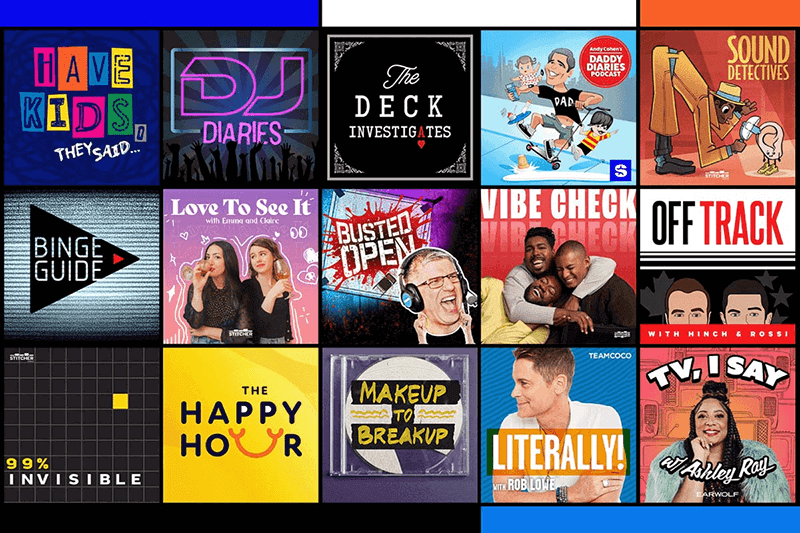
The most extensive and original lineup you’ll find anywhere, featuring the hottest industry stars and celebrity hosts, such as Andy Cohen, Savannah Guthrie, and Randi Zuckerberg.
Anecdotal, cringe, heritage, and improv. Clean and uncensored. Every kind of comedy from today’s up-and-coming standups and legendary greats. Always on when you need a laugh.
Breaking stories, commentary, and analysis from the top cable news sources and business networks in real time, 24/7. Politics from the left, the right, and everywhere in between.
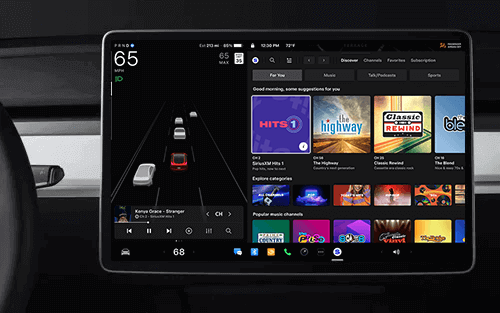
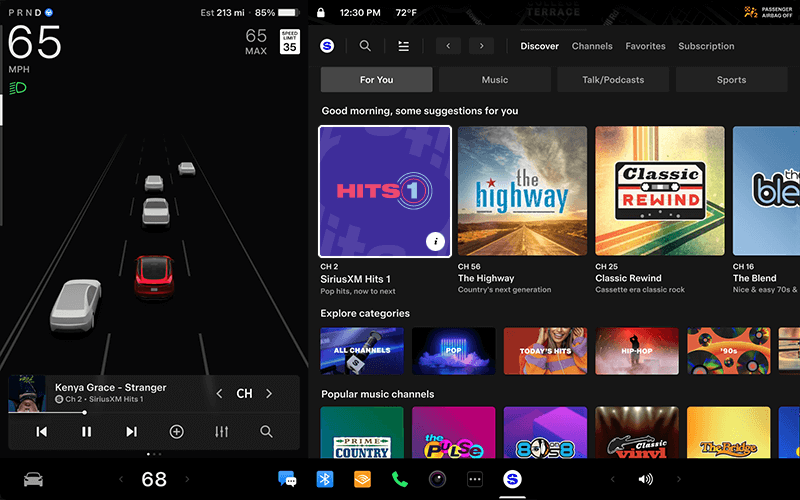
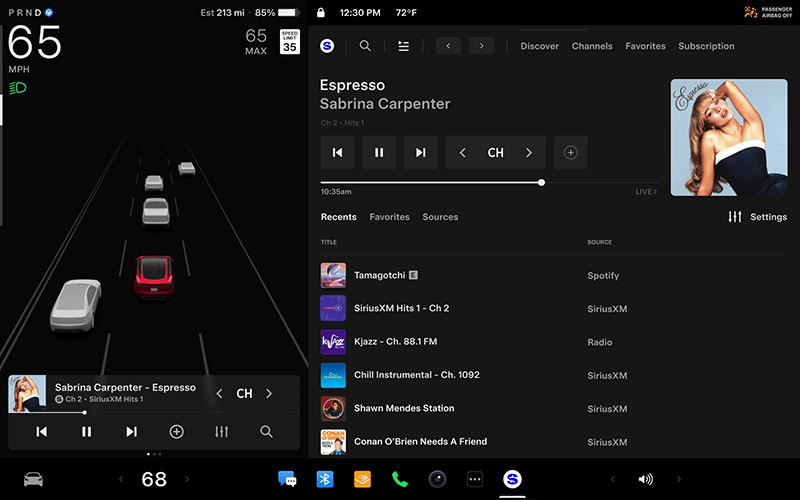
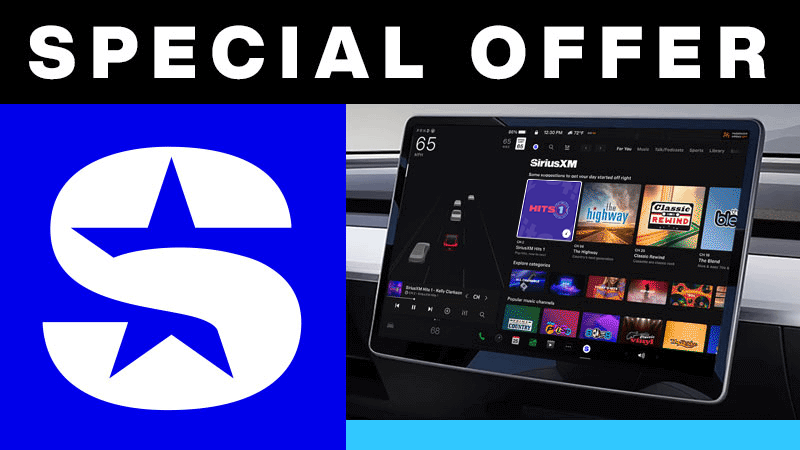
Our advanced in-car technology will guide you to SiriusXM channels, shows, and exclusive content for a ride that’s uniquely you, with personalization features to make enjoying the entertainment you love easier than ever.
For You recommendations
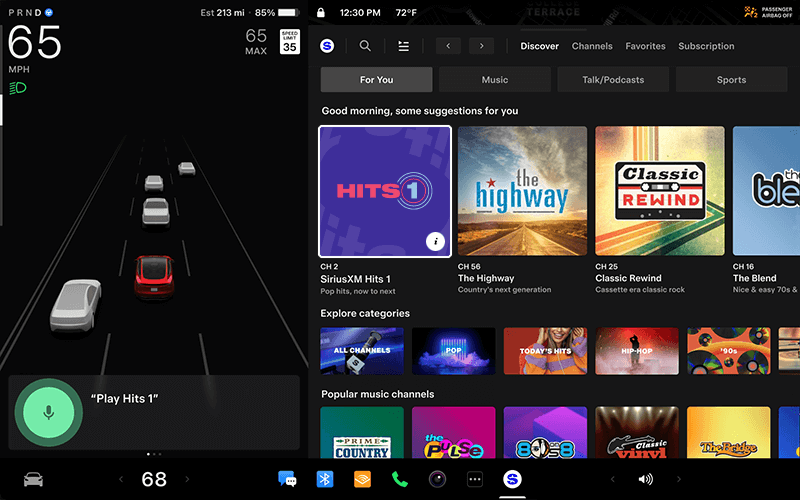
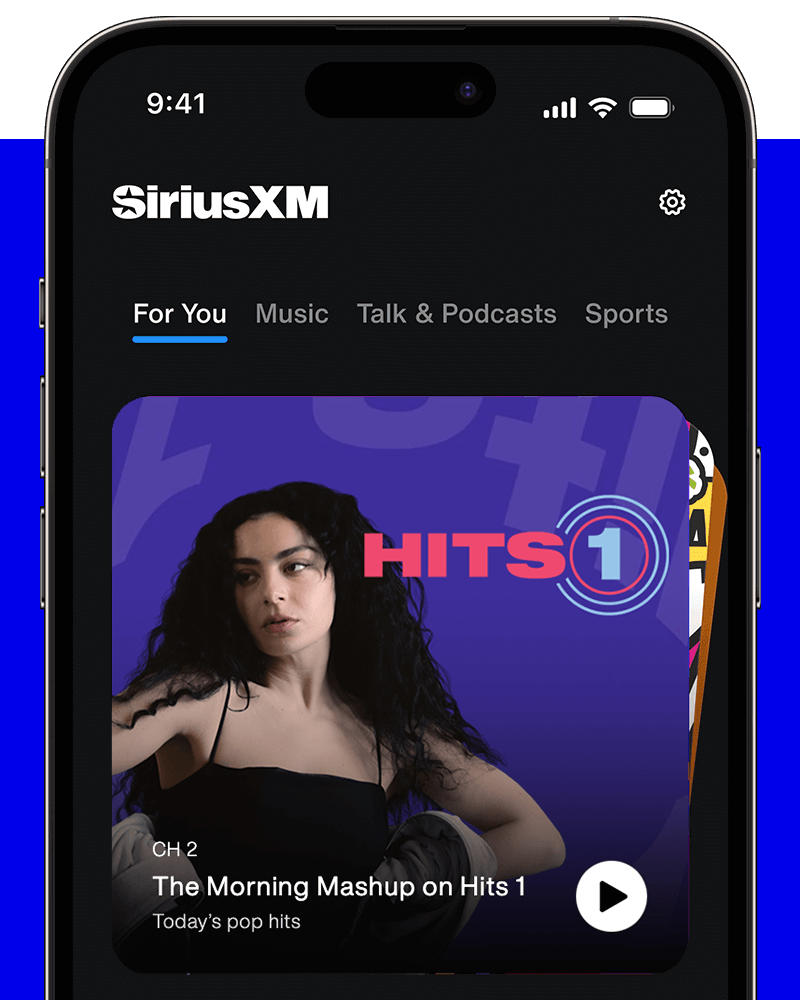
Explore every corner of the SiriusXM universe with a “For You” page that provides recommendations based on your listening choices, what’s trending, and curated content for an audio experience that helps you enjoy all your old favourites and discover more.
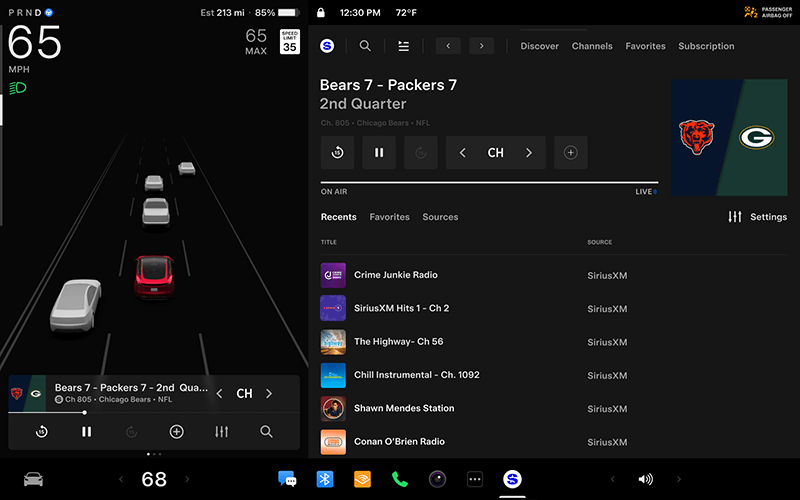
Instant access to team games
Get live play-by-play coverage on the road for NFL, MLB®, NBA, NHL®, and NCAA games, and more. Listen to premium sports talk by league insiders and analysts all week long.
Your Library of favourites
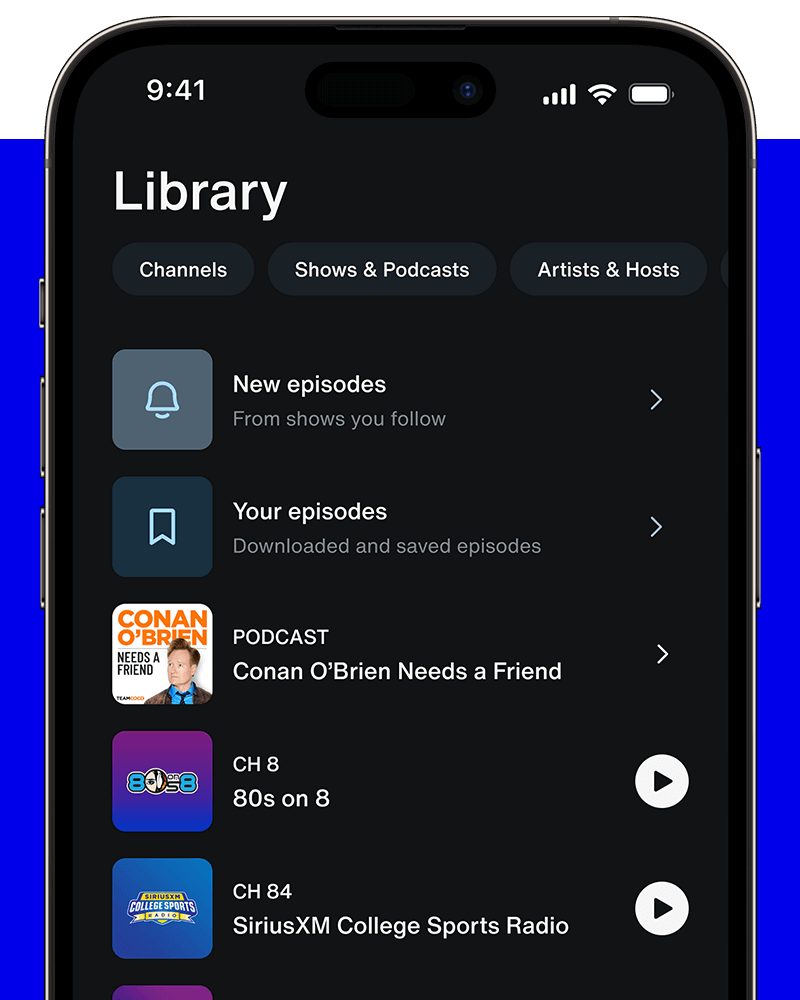
Use Your Library as a dedicated space for curating and collecting everything you love listening to—from live channels, on-demand music, and podcasts to artists, bands, sports teams, and leagues.
Integrated voice and text search
Search for channels, browse artists and categories, and find your favourite sports teams all hands-free with Voice Search.
Enjoy even more of SiriusXM with the app
Stream your favourite channels at home or work, or anywhere you choose
Get personal
Our expertly-curated content lets you discover new favourites and more of what you already love.
Dive even deeper
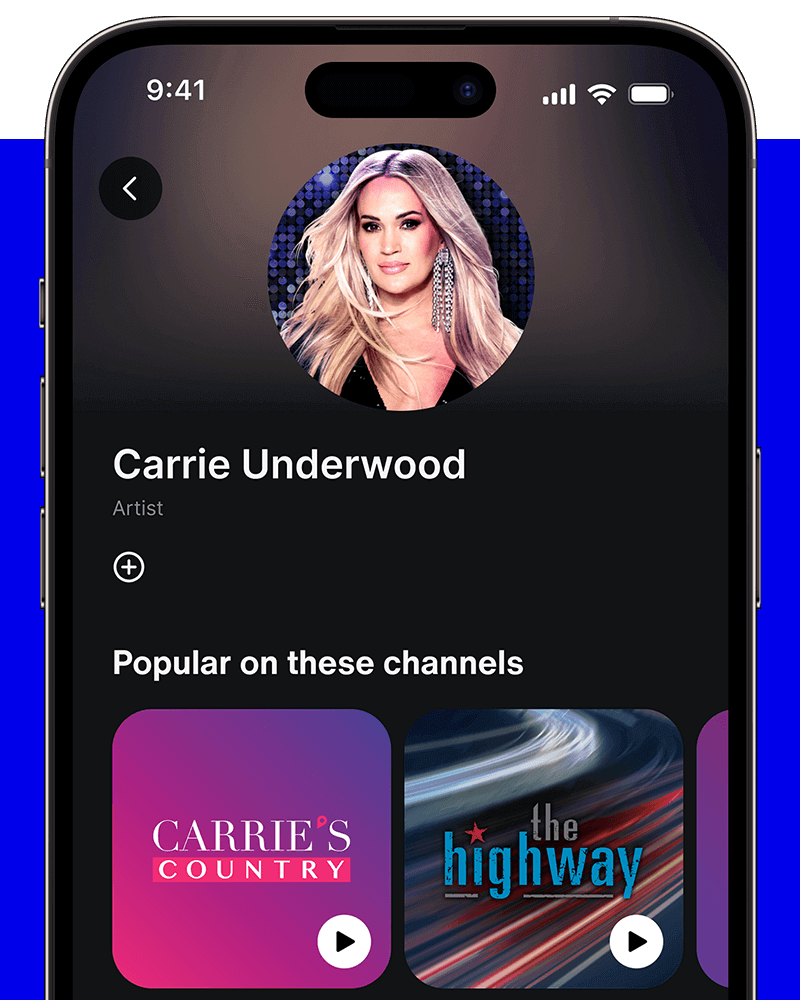
Select a channel or show, an artist or event—we’ll show you all the related content we have.
All your faves in one place
Get easy access to the entertainment you want to play again and again.
Podcast central
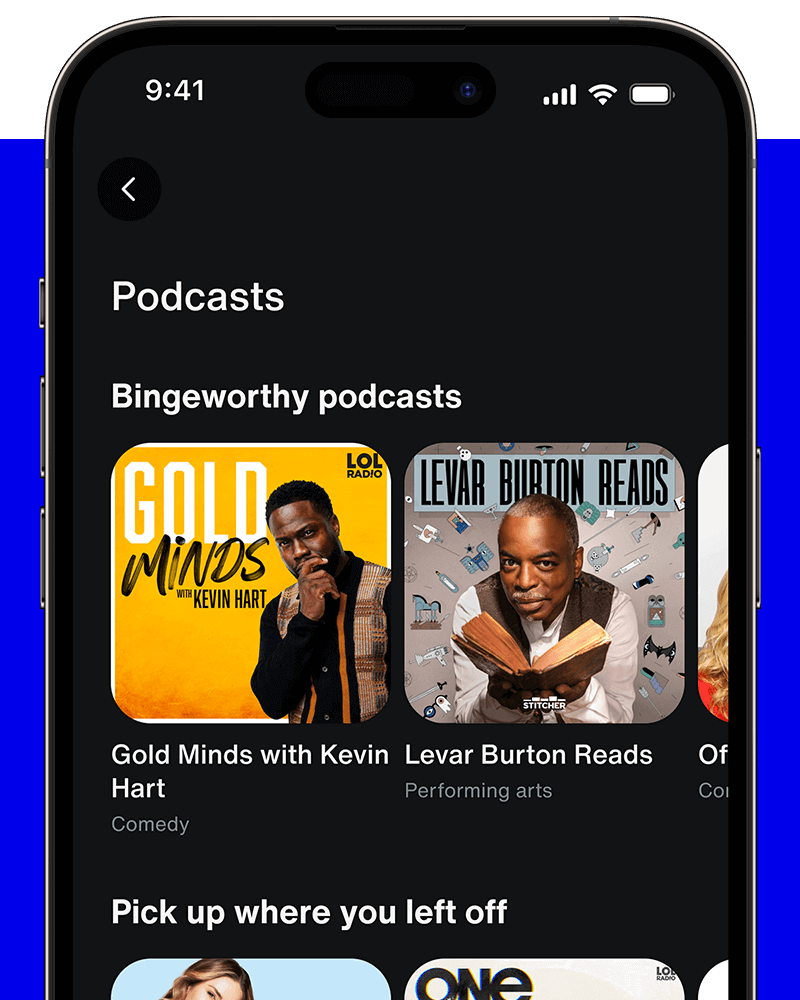
Find originals, exclusives, favourites, and undiscovered gems.
What SiriusXM subscription services are available in my Tesla based on my Radio ID?
If your Radio ID begins with a V, SiriusXM’s All Access audio entertainment plan is available.
Tesla determines how, when, and where to send updates to vehicles based on various factors unique to each release. Consistently connecting to Wi-Fi is the best way to quickly receive the latest software updates.
Tesla Premium Connectivity or active Wi-Fi connection required. Premium Connectivity sold separately by Tesla. Learn more about Tesla Premium Connectivity.
If your radio ID does not start with a V, view subscription options at siriusxm.ca/plans. These vehicles are equipped with SiriusXM satellite radio. Tesla Premium Connectivity or a WiFi connection is not required to access SiriusXM in these vehicles.
Can I add my Tesla to an existing SiriusXM account?
If you have an existing account with us and your Radio ID starts with a “V”:
Open SiriusXM in your Tesla and navigate to the Subscription tab.
Scan the QR code.
Enter your existing account email address and sign in.