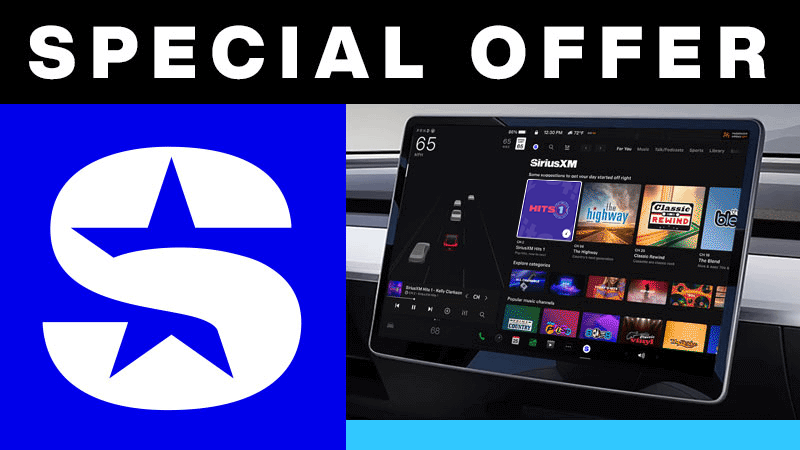
Tesla Premium Connectivity or active Wi-Fi connection required. Premium Connectivity sold separately by Tesla. Learn more about your Tesla Premium Connectivity.
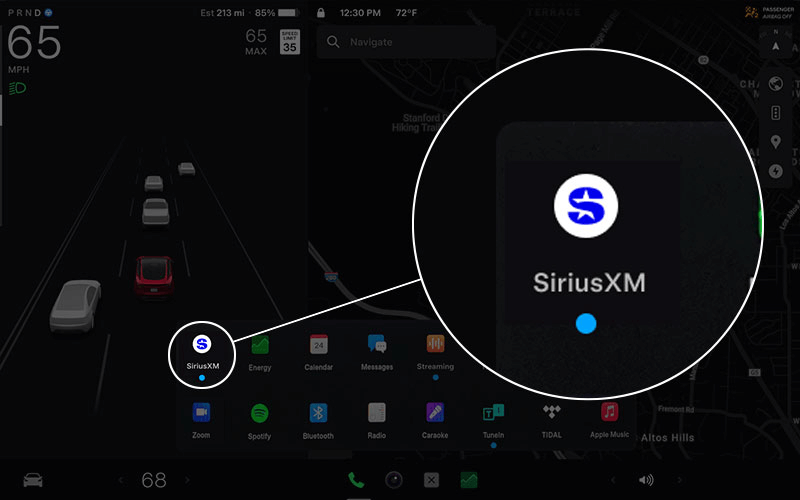
1. Download the latest software for your Tesla app to make sure it’s up to date and look for SiriusXM in the app tray on your Tesla. Then select SiriusXM to launch it.
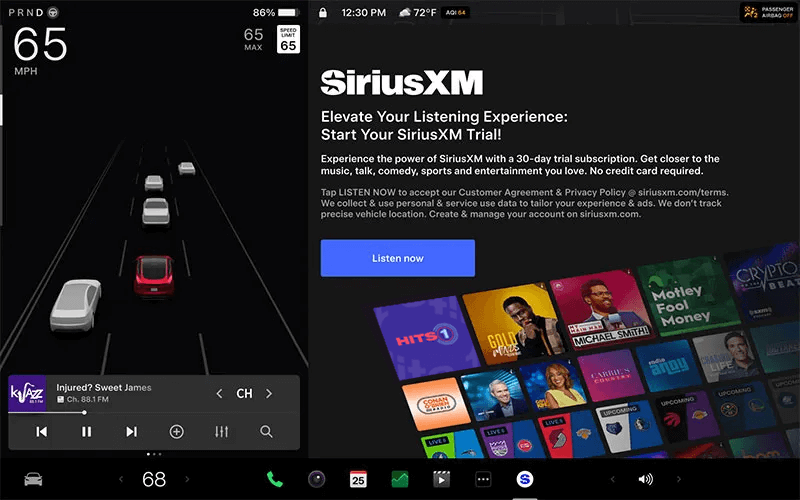
2. Look for the SiriusXM trial on the touchscreen in your Tesla and tap on “Agree & Listen Now.”
3. Navigate to the Subscription tab and scan the QR code that appears. Then follow the instructions to register your SiriusXM Tesla account. Tip for existing subscribers: Enter the same email associated with your current SiriusXM account for a single Online Account Center login.
Make the most of your trial
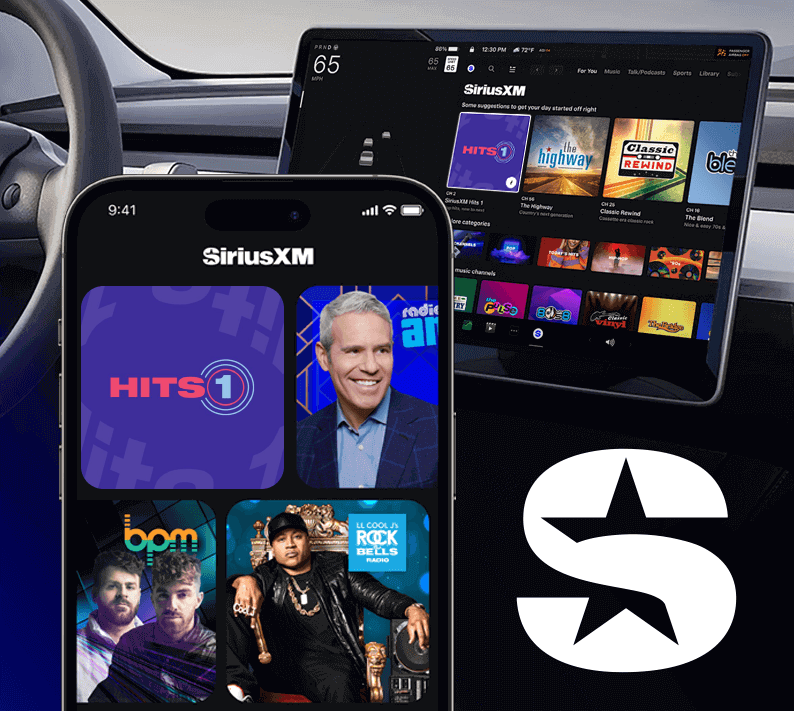
Besides listening on your Tesla radio, you can enjoy SiriusXM on your phone, smart speakers, and more.
Just sign in to the app with the login you created when you registered—it’s all part of your trial!
Ad-free music curated by experts and DJs in every genre and decade
Artist stations inspired by singers and bands you like
Celebrity-hosted talk shows and the funniest comics around
World and national news plus expert advice
Live sports, including NFL, MLB®, NBA, NHL®, and college games, plus predictions and analysis
Exclusive video of in-studio shows and performances
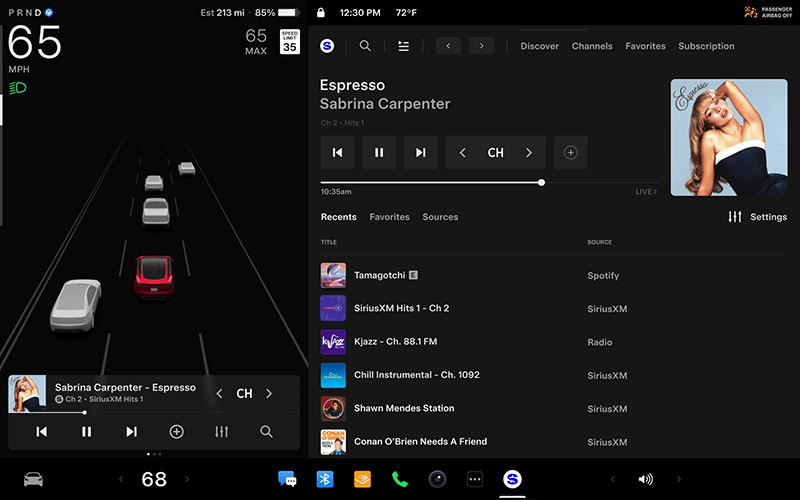
Our advanced in-car technology will guide you to SiriusXM channels, shows, and exclusive content for a ride that’s uniquely you, with personalization features to make enjoying the entertainment you love easier than ever.
For You recommendations
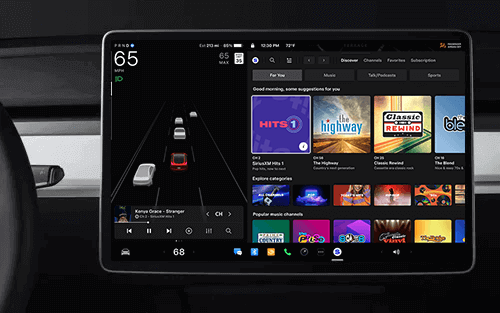
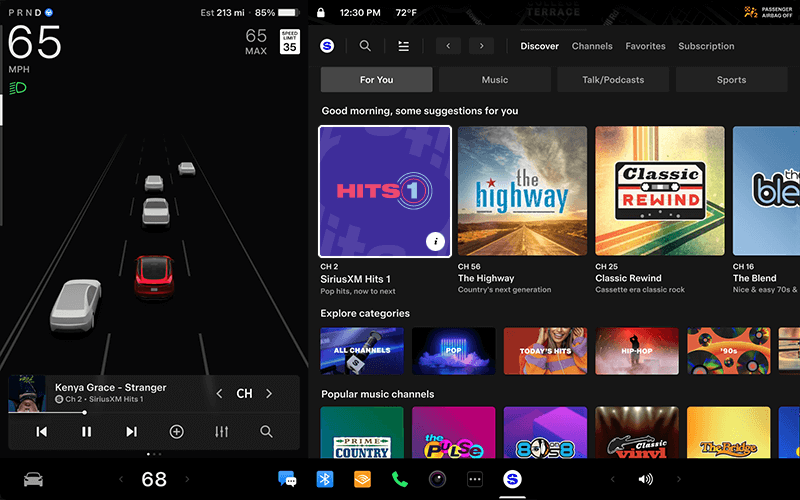
Explore every corner of the SiriusXM universe with a “For You” page that provides recommendations based on your listening choices, what’s trending, and curated content for an audio experience that helps you enjoy all your old favourites and discover more.
Instant access to team games
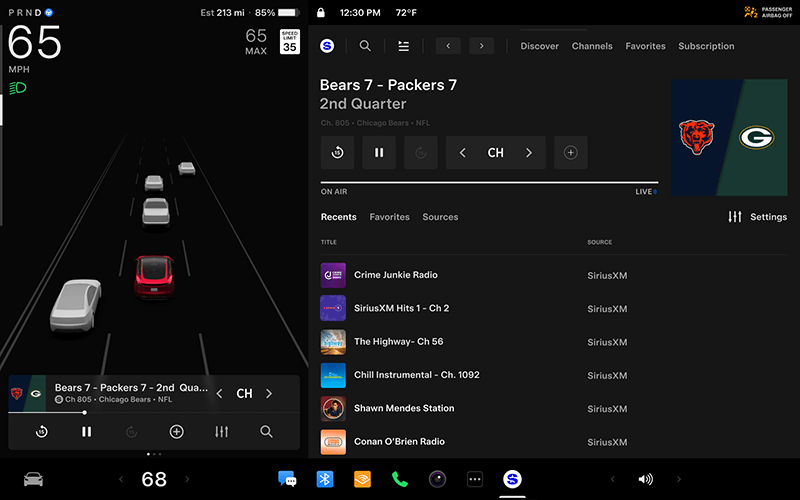
Get live play-by-play coverage on the road for NFL, MLB®, NBA, NHL®, and NCAA games, and more. Listen to premium sports talk by league insiders and analysts all week long.
Your Library of favourites
Use Your Library as a dedicated space for curating and collecting everything you love listening to—from live channels, on-demand music, and podcasts to artists, bands, sports teams, and leagues.
Integrated voice and text search
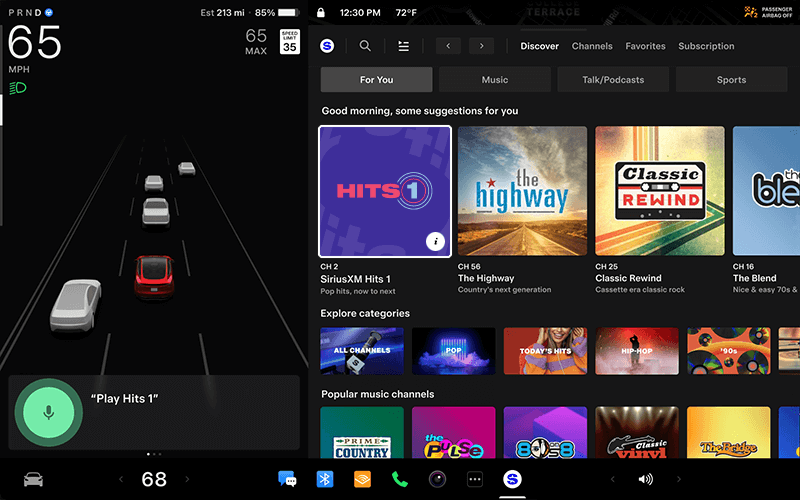
Search for channels, browse artists and categories, and find your favourite sports teams all hands-free with Voice Search.
We’ve got a limited-time offer just for you!
Enjoying SiriusXM in your Tesla? Subscribe now and don’t miss a beat. We won’t bill you until your trial ends.
What SiriusXM subscription services are available in my Tesla based on my Radio ID?
If your Radio ID begins with a V, SiriusXM’s All Access audio entertainment plan is available.
Tesla determines how, when, and where to send updates to vehicles based on various factors unique to each release. Consistently connecting to Wi-Fi is the best way to quickly receive the latest software updates.
Tesla Premium Connectivity or active Wi-Fi connection required. Premium Connectivity sold separately by Tesla. Learn more about Tesla Premium Connectivity.
If your radio ID does not start with a V, view subscription options at siriusxm.ca/plans. These vehicles are equipped with SiriusXM satellite radio. Tesla Premium Connectivity or a WiFi connection is not required to access SiriusXM in these vehicles.
Can I add my Tesla to an existing SiriusXM account?
If you have an existing account with us and your Radio ID starts with a “V”:
Open SiriusXM in your Tesla and navigate to the Subscription tab.
Scan the QR code.
Enter your existing account email address and sign in.