



SiriusXM on your Google devices
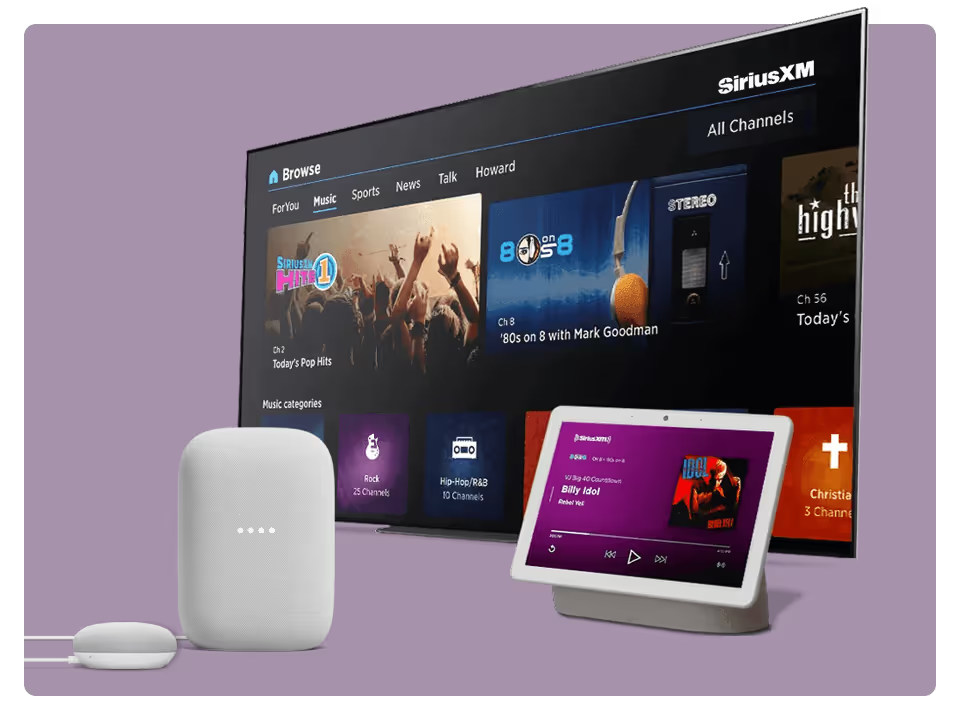

"Hey Google, play SiriusXM"
Paired with SiriusXM, Google Nest speakers and displays are just the ticket to turn your home into a virtual concert venue, comedy club, or sports arena.
To Play SiriusXM On Google Nest Devices:
- Make sure your mobile device or tablet is connected to the same Wi-Fi as your Google Nest device.
- Open the Google Home App and tap Settings.
- Under Services, tap Radio. Select SiriusXM and enter your streaming credentials to link your SiriusXM account. Now ask the Google Assistant to play the SiriusXM channel you want to hear.
Cast SiriusXM to any Smart TV with Chromecast
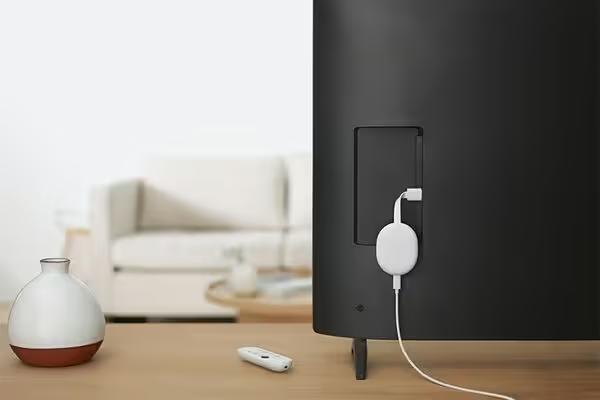
Just plug the Chromecast dongle into your TV’s HDMI port, and use your smartphone, tablet, or computer as a remote control to stream SiriusXM.
To Play SiriusXM with Chromecast:
- Download the SiriusXM app on your smartphone or tablet and enter your login credentials.
- Tap the Chromecast icon and select your Chromecast device.
Note: Your mobile device must be connected to the same Wi-Fi network as your Chromecast device.
SiriusXM is a tap away with Android TV
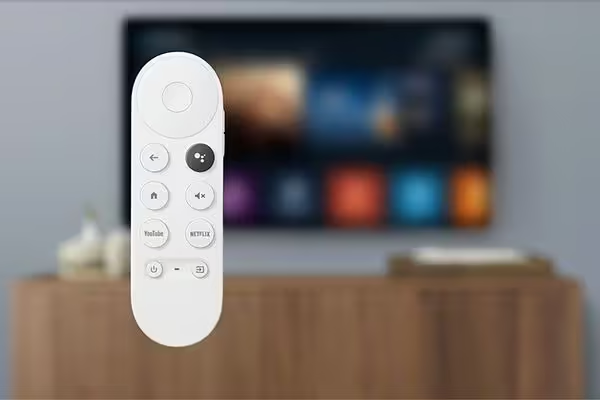
TVs and media consoles powered by Android TV have Chromecast built in, so SiriusXM listeners can play their favourite content—including video—right from the SiriusXM app. No dongle required.
To Play SiriusXM on your Android TV:
- Select and install the SiriusXM app from the Google Play Store on your Android TV.
- Open the SiriusXM app and enter your login credentials.
Most SiriusXM subscriptions and in-vehicle trials include streaming
Sign in or set up your credentials to start listening.
Are you looking to experience SiriusXM for the first time?
Enjoy a free trial and hear what we’re all about.
Not what you’re looking for? See other SiriusXM streaming devices
Ready to sign up?
Take a look at these great offers. Channel lineup varies by package.
Music & Entertainment
$6/month
for 12 monthsThen $25.99/mo. Taxes extra. New subscriptions only. See Offer Details below.


- 400+ channels, including 140+ in your vehicle, with more to stream on the SiriusXM app
- Ad-free music across every genre and decade, plus dedicated artist channels
- Original talk, podcasts, exclusive comedy, news from across the globe and Howard Stern
- The biggest names in sports talk
- Exclusive video of in-studio shows and performances
- 400+ channels, including 140+ in your vehicle, with more to stream on the SiriusXM app
- Ad-free music across every genre and decade, plus dedicated artist channels
- Original talk, podcasts, exclusive comedy, news from across the globe
- The biggest names in sports talk
- Exclusive video of in-studio shows and performances
- 400+ channels in your car and streaming on your devices
- Ad-free music across every genre and decade, plus dedicated artist channels
- Original talk, podcasts, exclusive comedy, news from across the globe
- The biggest names in sports talk
- Exclusive video of in-studio shows and performances
All Access (App Only)
3 months free
Then $11.99/mo. Taxes extra. Cancel online anytime. See Offer Details below.
- 425+ channels on the SiriusXM app
- Ad-free music across every genre and decade, plus dedicated artist channels
- Live sports play-by-play for NFL, MLB®, NBA, NHL®, NCAA®, NASCAR®, and PGA TOUR®
- Original talk, exclusive comedy, news from across the globe, and Howard Stern
- Podcasts and binge-worthy series from top creators
Frequently Asked Questions
Google, Google Nest Mini, and Google Play are trademarks of Google LLC.