



SiriusXM on your Amazon devices


"Alexa, play Hits 1 on SiriusXM"
With Alexa, it’s a snap to play your pick of SiriusXM channels on Amazon Echo devices and lots of other enabled speakers and media players, room by room.
To Enable the SiriusXM Skill with Alexa:
- In the Alexa app, select Skills & Games from the More menu in the bottom-right corner.
- Search for SiriusXM and enable the SiriusXM Skill.
- If you have the SiriusXM app already installed and signed in on your mobile device, tap to Link to allow seamless log in. If not, you will be asked to enter your SiriusXM streaming credentials to verify your account.
Great sounds plus SiriusXM video on Fire TV
With the SiriusXM app now on Amazon Fire TV, listeners can stream the best of audio entertainment, exclusive podcasts, Xtra Channels, video of in-studio guests, and much more.
To play SiriusXM on your Amazon Fire TV device:
- Open the SiriusXM app on a smartphone or tablet connected to the same WiFi network as the device, and allow authentication.
- Use any web browser to enter the activation code displayed on the TV.
- Use the remote to manually enter your login credentials.

Most SiriusXM subscriptions and in-vehicle trials include streaming
Sign in or set up your credentials to start listening.
Are you looking to experience SiriusXM for the first time?
Enjoy a free trial and hear what we’re all about.
Not what you’re looking for? See other SiriusXM streaming devices
Pair Amazon with other devices to play SiriusXM at home
Alexa-enabled devices:
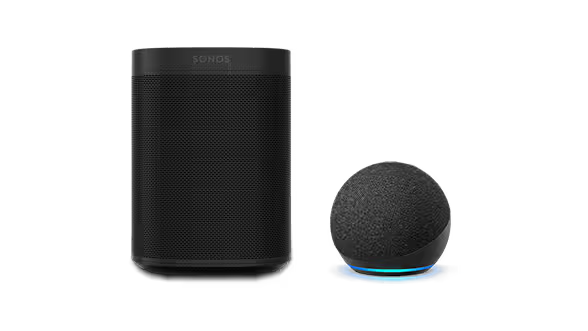
SONOS®
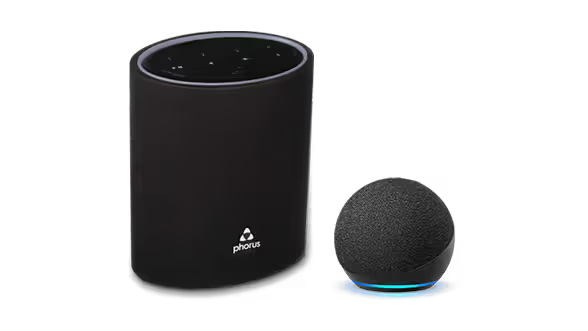
dts Play-Fi®
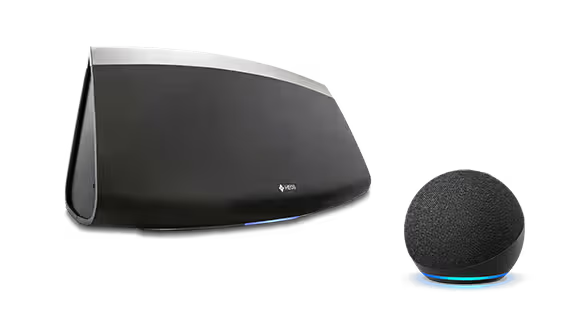
Heos® by Denon
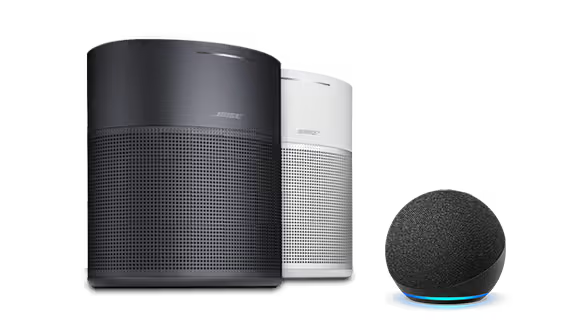
Bose
Ready to sign up?
Take a look at these great offers. Channel lineup varies by package.
Music & Entertainment
$6/month
for 12 monthsThen $25.99/mo. Taxes extra. New subscriptions only. See Offer Details below.


- 400+ channels, including 140+ in your vehicle, with more to stream on the SiriusXM app
- Ad-free music across every genre and decade, plus dedicated artist channels
- Original talk, podcasts, exclusive comedy, news from across the globe and Howard Stern
- The biggest names in sports talk
- Exclusive video of in-studio shows and performances
- 400+ channels, including 140+ in your vehicle, with more to stream on the SiriusXM app
- Ad-free music across every genre and decade, plus dedicated artist channels
- Original talk, podcasts, exclusive comedy, news from across the globe
- The biggest names in sports talk
- Exclusive video of in-studio shows and performances
- 400+ channels in your car and streaming on your devices
- Ad-free music across every genre and decade, plus dedicated artist channels
- Original talk, podcasts, exclusive comedy, news from across the globe
- The biggest names in sports talk
- Exclusive video of in-studio shows and performances
All Access (App Only)
3 months free
Then $11.99/mo. Taxes extra. Cancel online anytime. See Offer Details below.
- 425+ channels on the SiriusXM app
- Ad-free music across every genre and decade, plus dedicated artist channels
- Live sports play-by-play for NFL, MLB®, NBA, NHL®, NCAA®, NASCAR®, and PGA TOUR®
- Original talk, exclusive comedy, news from across the globe, and Howard Stern
- Podcasts and binge-worthy series from top creators
Frequently Asked Questions
Amazon, Echo, Alexa, and all related logos are trademarks of Amazon.com, Inc. or its affiliates.