



SiriusXM on your Sonos devices
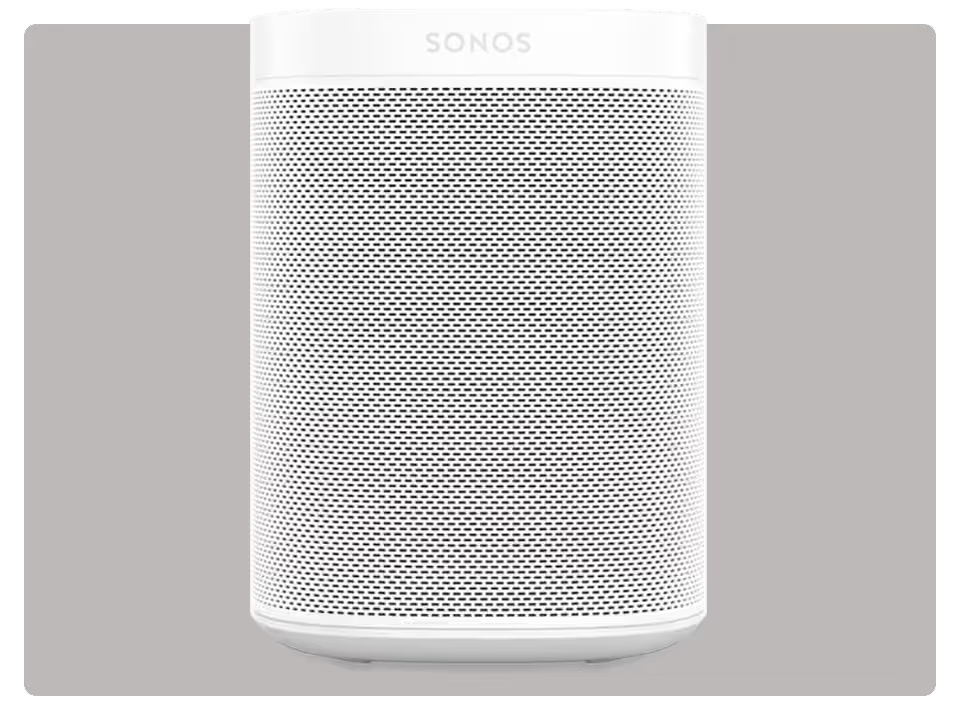

Play SiriusXM house-wide with Sonos speakers
With Sonos wireless speakers, subscribers with the SiriusXM app enjoy the widest variety of audio entertainment, at home. So, you can create the perfect soundtrack for every room.
To play SiriusXM on Sonos wireless speakers:
- Download the Sonos app on your smartphone or tablet.
- Select Add Music Services then SiriusXM.
- Enter your SiriusXM login credentials.
Sonos meets Alexa
Sonos One comes with Amazon Alexa built in. You can also connect an Alexa device like the Echo Dot to an existing Sonos wireless speaker. Either way, all you have to do is ask out loud to start playing SiriusXM.
To play SiriusXM using Alexa on Sonos wireless speakers:
- Link your SiriusXM login credentials to the Amazon Alexa skill.
- Enable the SiriusXM skill and enter your login credentials.
- Tell Alexa to play your favourite music genre or channel “on SiriusXM.”

Most SiriusXM subscriptions and in-vehicle trials include streaming
Sign in or set up your credentials to start listening.
Are you looking to experience SiriusXM for the first time?
Enjoy a free trial and hear what we’re all about.
Not what you’re looking for? See other SiriusXM streaming devices
Ready to sign up?
Take a look at these great offers. Channel lineup varies by package.
Music & Entertainment
$6/month
for 12 monthsThen $25.99/mo. Taxes extra. New subscriptions only. See Offer Details below.


- 400+ channels, including 140+ in your vehicle, with more to stream on the SiriusXM app
- Ad-free music across every genre and decade, plus dedicated artist channels
- Original talk, podcasts, exclusive comedy, news from across the globe and Howard Stern
- The biggest names in sports talk
- Exclusive video of in-studio shows and performances
- 400+ channels, including 140+ in your vehicle, with more to stream on the SiriusXM app
- Ad-free music across every genre and decade, plus dedicated artist channels
- Original talk, podcasts, exclusive comedy, news from across the globe
- The biggest names in sports talk
- Exclusive video of in-studio shows and performances
- 400+ channels in your car and streaming on your devices
- Ad-free music across every genre and decade, plus dedicated artist channels
- Original talk, podcasts, exclusive comedy, news from across the globe
- The biggest names in sports talk
- Exclusive video of in-studio shows and performances
All Access (App Only)
3 months free
Then $11.99/mo. Taxes extra. Cancel online anytime. See Offer Details below.
- 425+ channels on the SiriusXM app
- Ad-free music across every genre and decade, plus dedicated artist channels
- Live sports play-by-play for NFL, MLB®, NBA, NHL®, NCAA®, NASCAR®, and PGA TOUR®
- Original talk, exclusive comedy, news from across the globe, and Howard Stern
- Podcasts and binge-worthy series from top creators